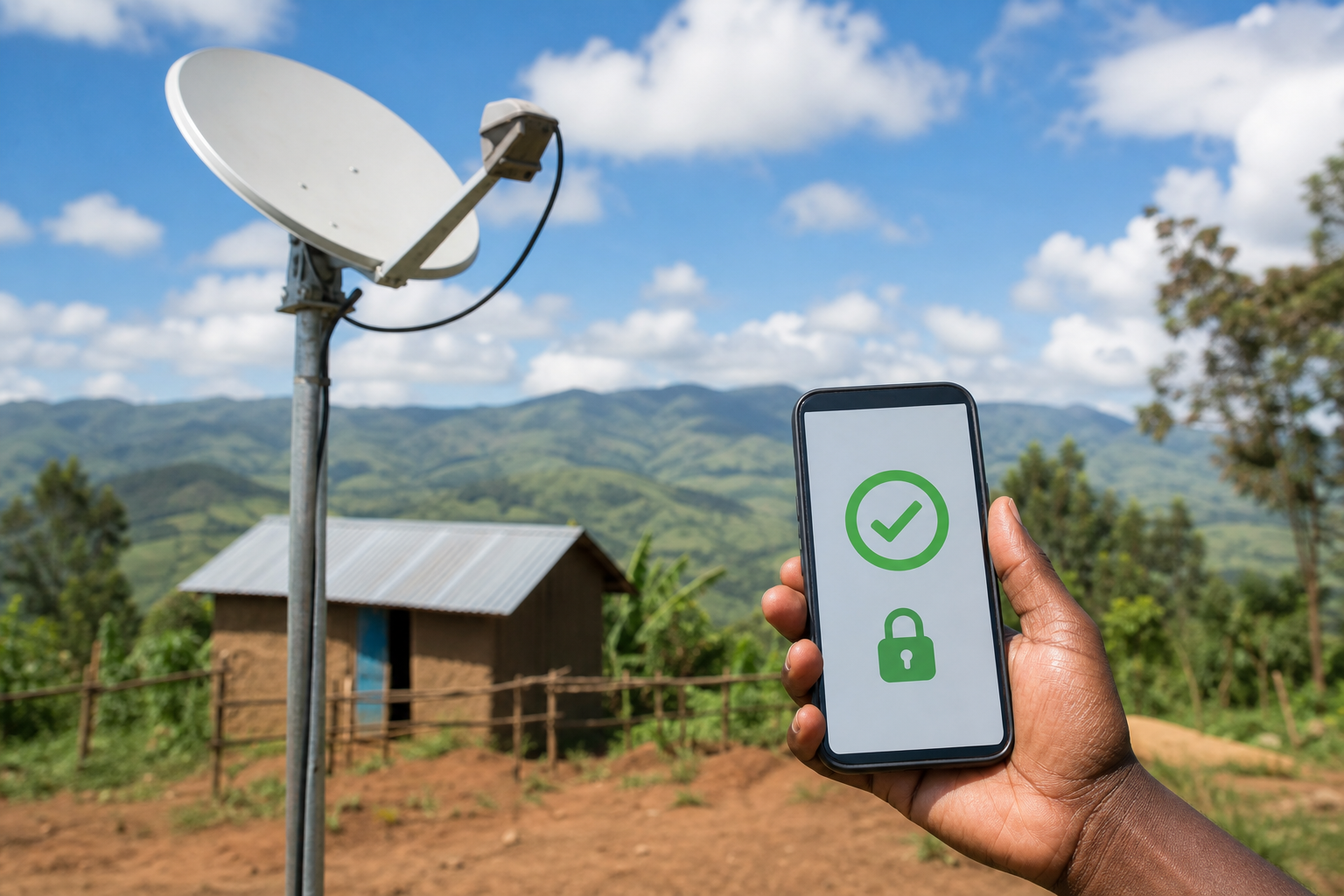
The Starlink PayBill number should be verified from your own Starlink billing page before you send money. Treat the PayBill number and account reference as payment instructions, not as a detail to copy from unofficial posts.
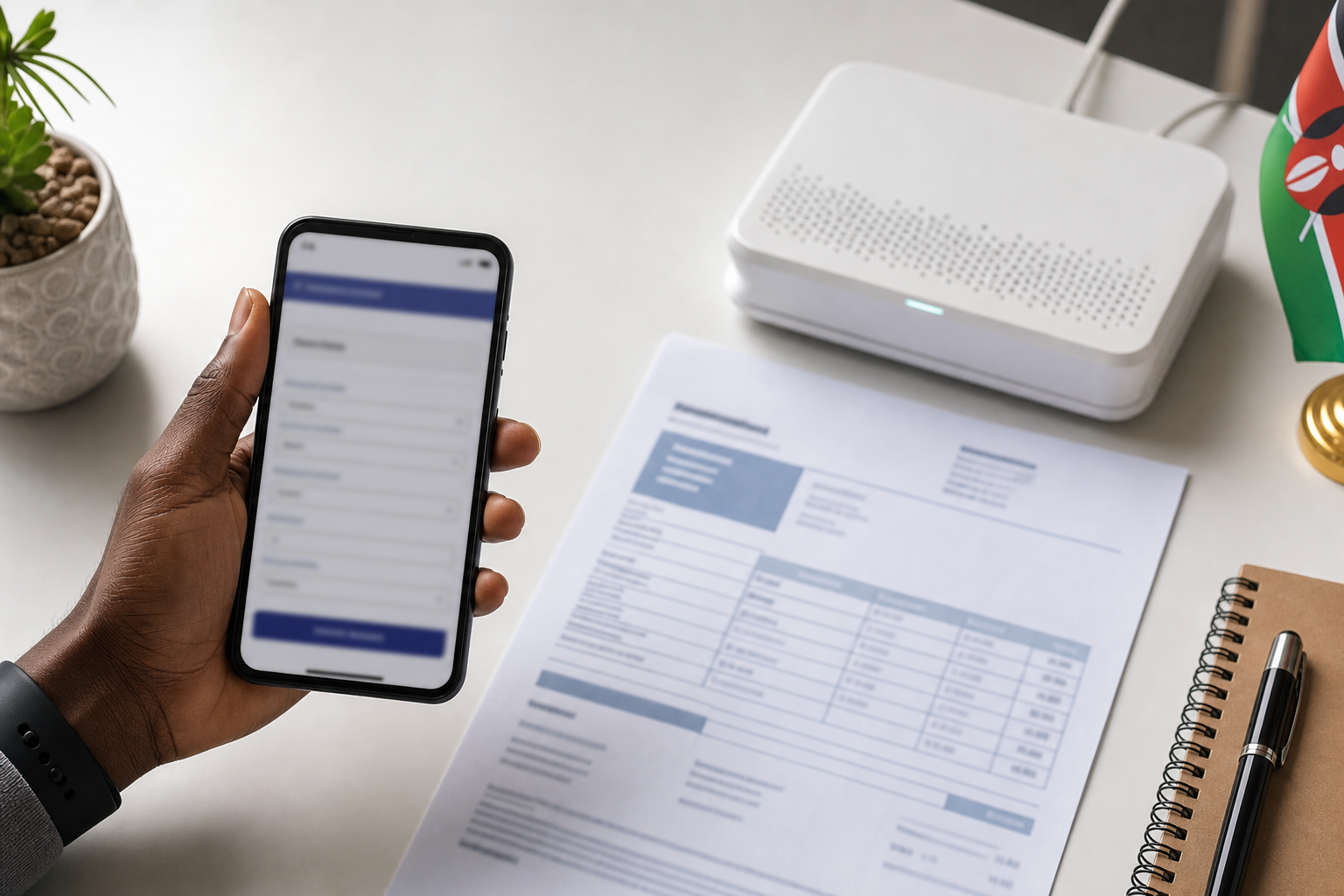
Where to find the Starlink PayBill number
Open your official Starlink account, go to billing or payment, and follow the payment method shown for your country and account. If M-Pesa is available, Starlink should show the PayBill number plus the exact account or invoice reference to use.
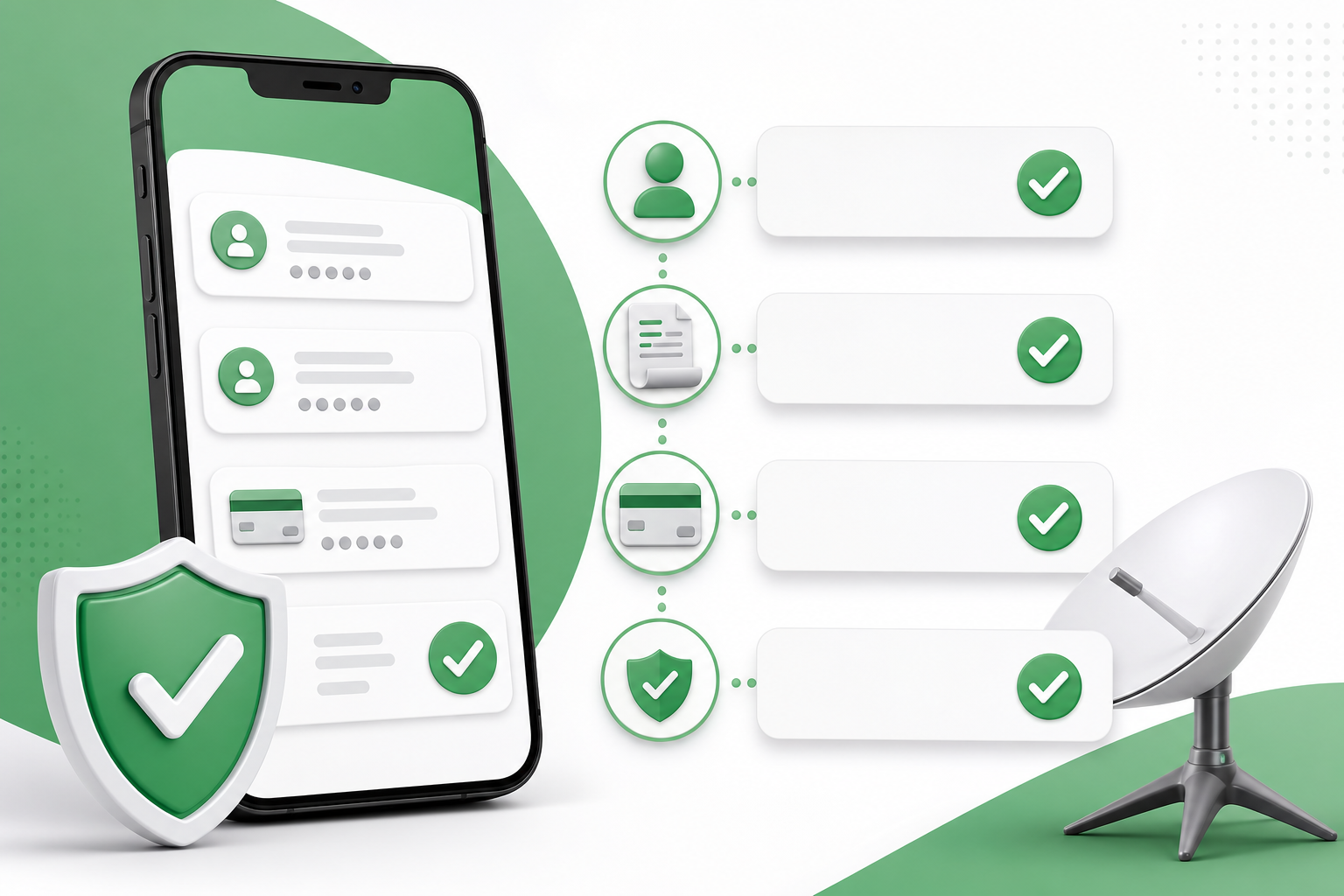
Why the account reference matters
The PayBill identifies the merchant, while the account number or reference tells the payment system which Starlink customer or invoice should receive the money. Always enter it exactly as shown.
Before you pay
- Check the PayBill and account reference in the official Starlink app or website.
- Confirm the amount and currency shown on your invoice.
- Keep your M-Pesa confirmation code.
- Do not send payment to a number shared only by an unknown third party.
For more detail on the local payment flow, read Starlink Kenya PayBill number via M-Pesa. For fee planning, see Starlink Kenya PayBill number charges.
External resources: M-Pesa payment guide for Starlink and Starlink Kenya installers.