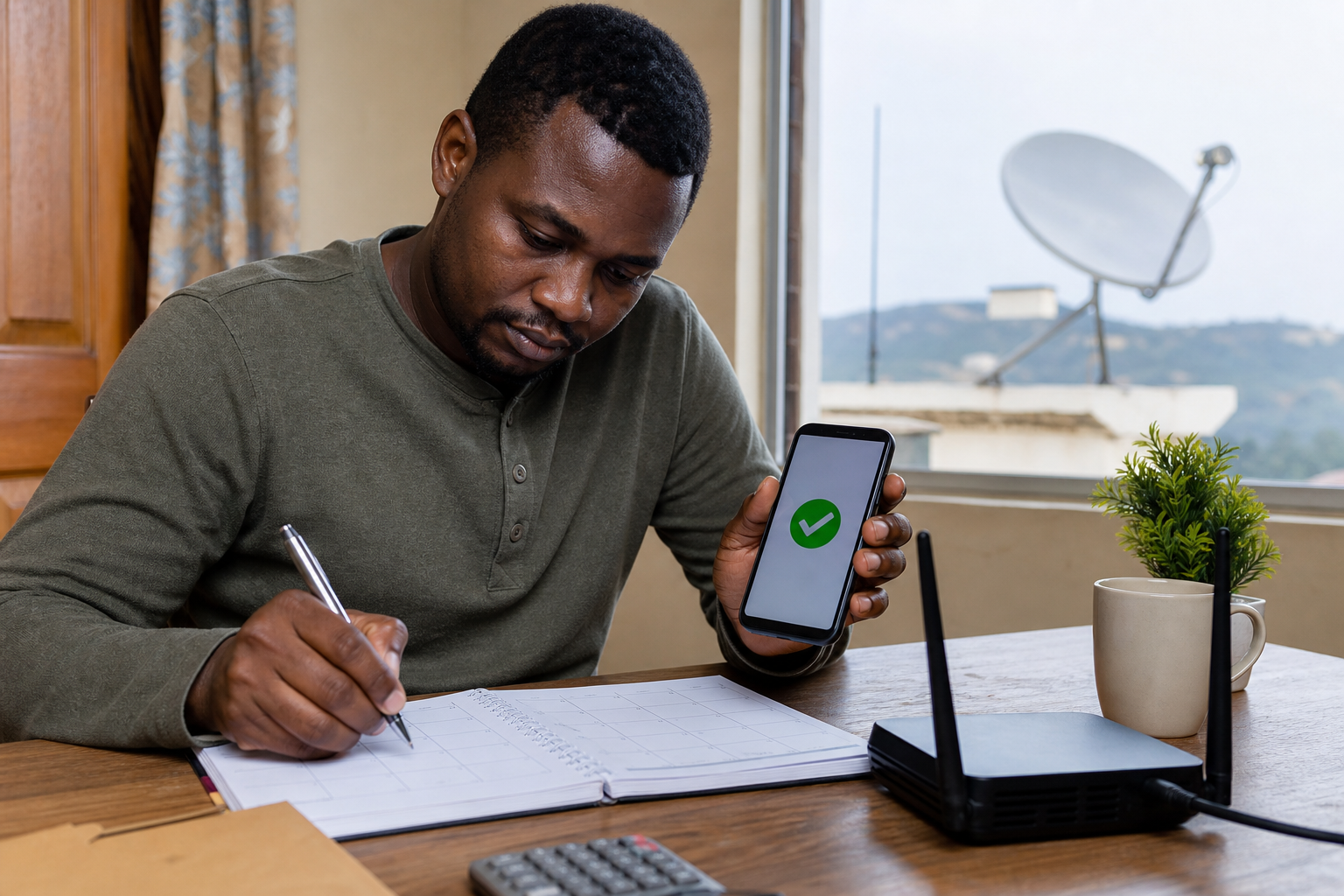
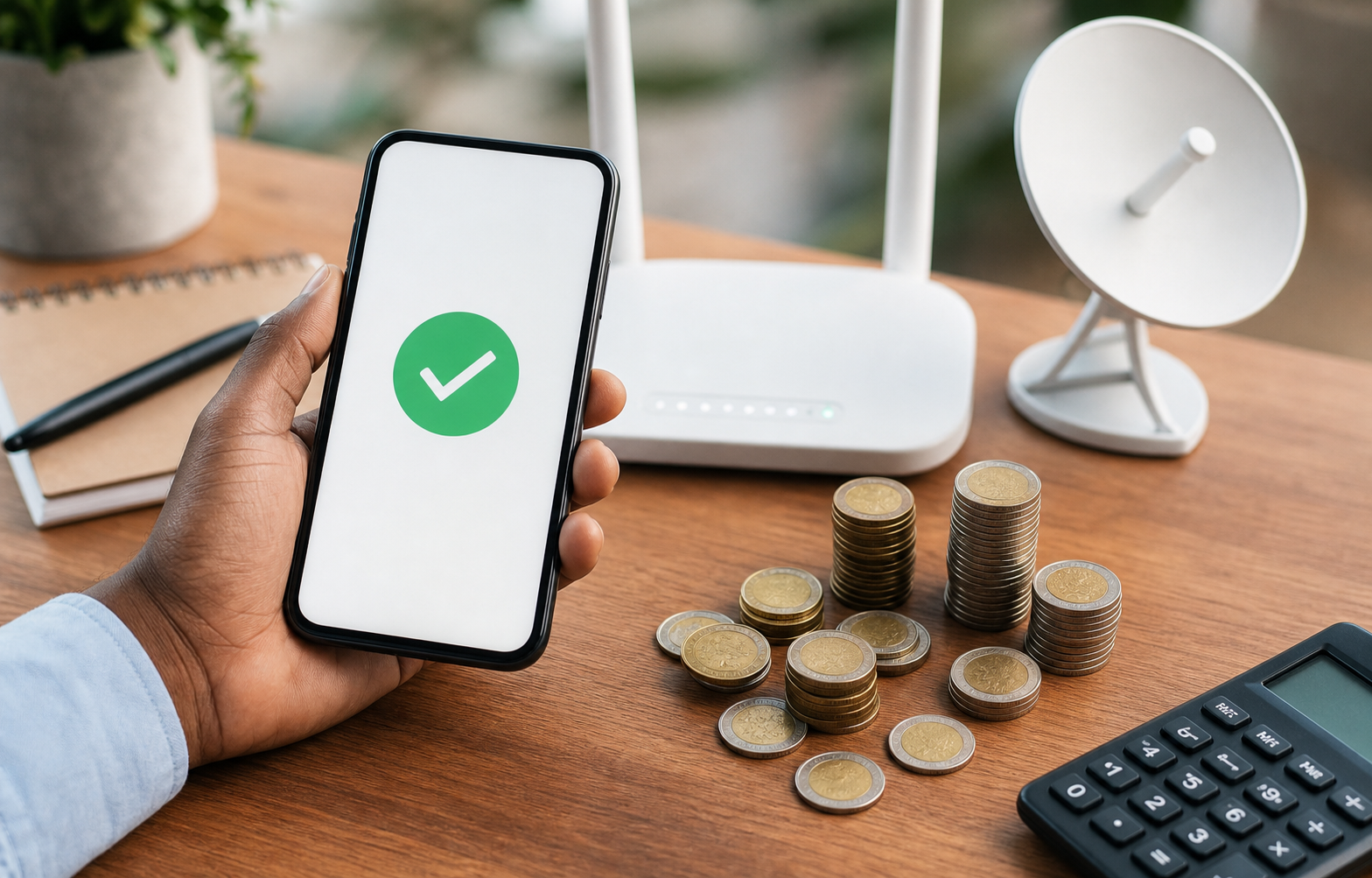
When checking Starlink Kenya PayBill number charges, separate two costs: the Starlink invoice amount and any M-Pesa transaction fee charged by your mobile money provider. The PayBill details should still be taken from your official Starlink account or invoice.
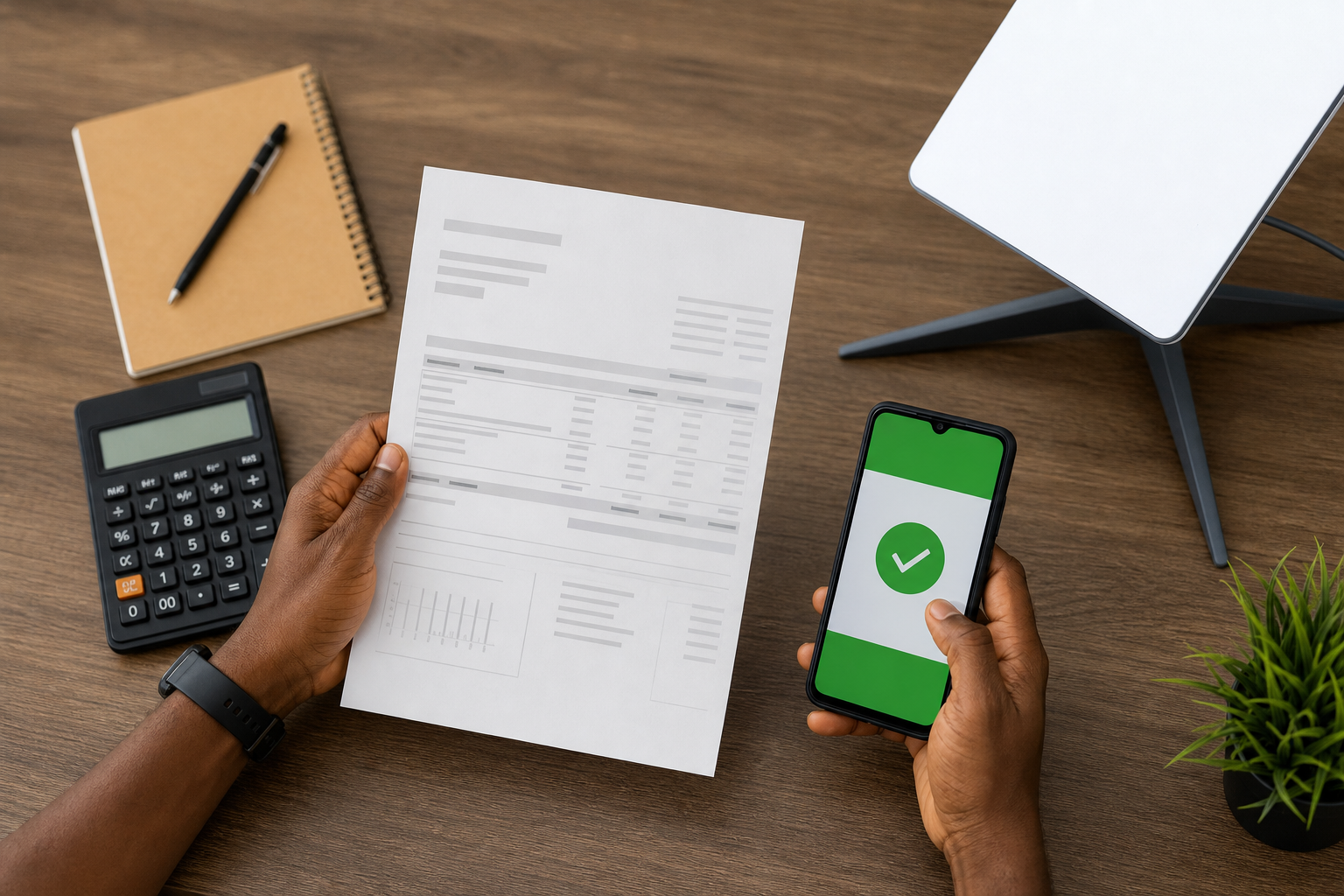
What charges should you expect?
- Starlink service charge: the plan, subscription, hardware, or invoice amount shown by Starlink.
- M-Pesa transaction charge: the mobile money fee shown by M-Pesa before you confirm payment.
- Installation cost: separate labour, mounting, cabling, or support fees if you hire an installer.
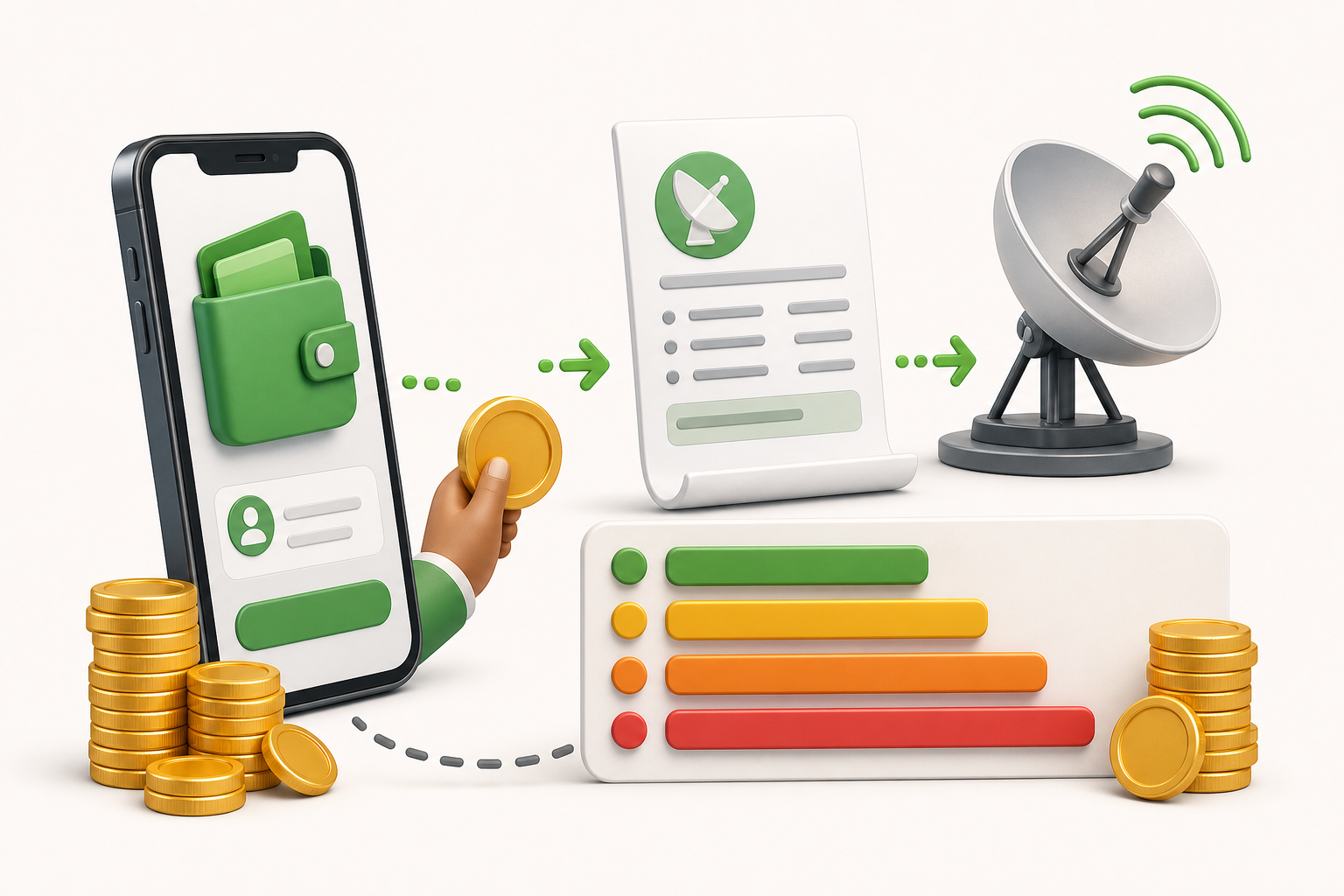
How to avoid payment mistakes
Before confirming the transaction, compare the amount on your Starlink invoice with the amount you typed into M-Pesa. Also verify the account/reference field, because a correct amount with a wrong reference can still cause delays.
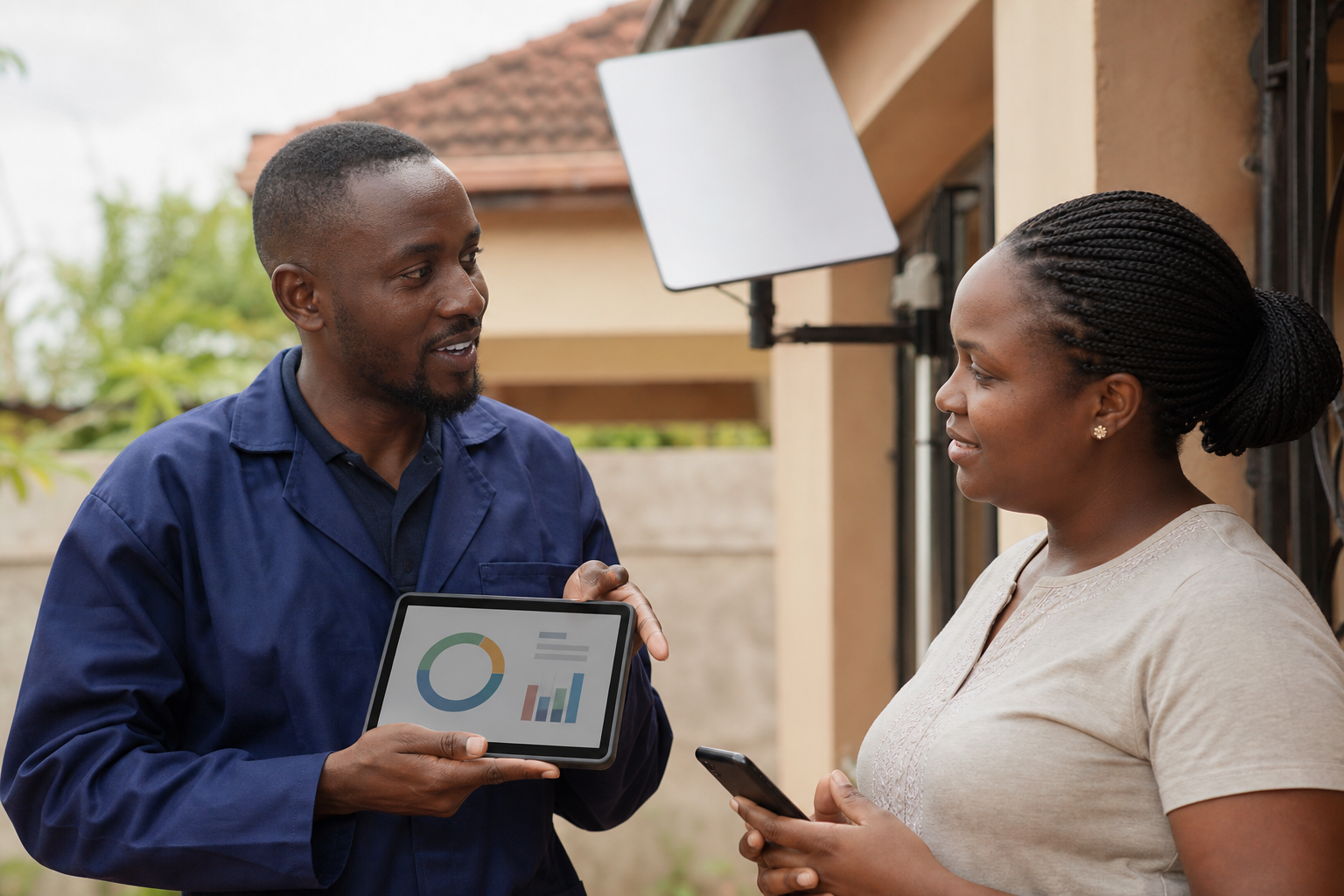
Are PayBill charges fixed?
M-Pesa fees can change by transaction band and provider policy. Use the fee displayed in the M-Pesa confirmation screen as the final charge for that transaction.
Need payment steps first? Read Starlink Kenya PayBill number via M-Pesa. Need the general verification guide? Read Starlink PayBill number. You can also review this external guide on how to pay for Starlink using M-Pesa or contact Starlink Kenya installers for setup support.