Looking for the Starlink Kenya PayBill number via M-Pesa? The safest answer is to use the PayBill and account reference shown inside your official Starlink account, invoice, or payment checkout. Starlink payment instructions can vary by account and plan, so avoid copying random PayBill details from screenshots or social posts.
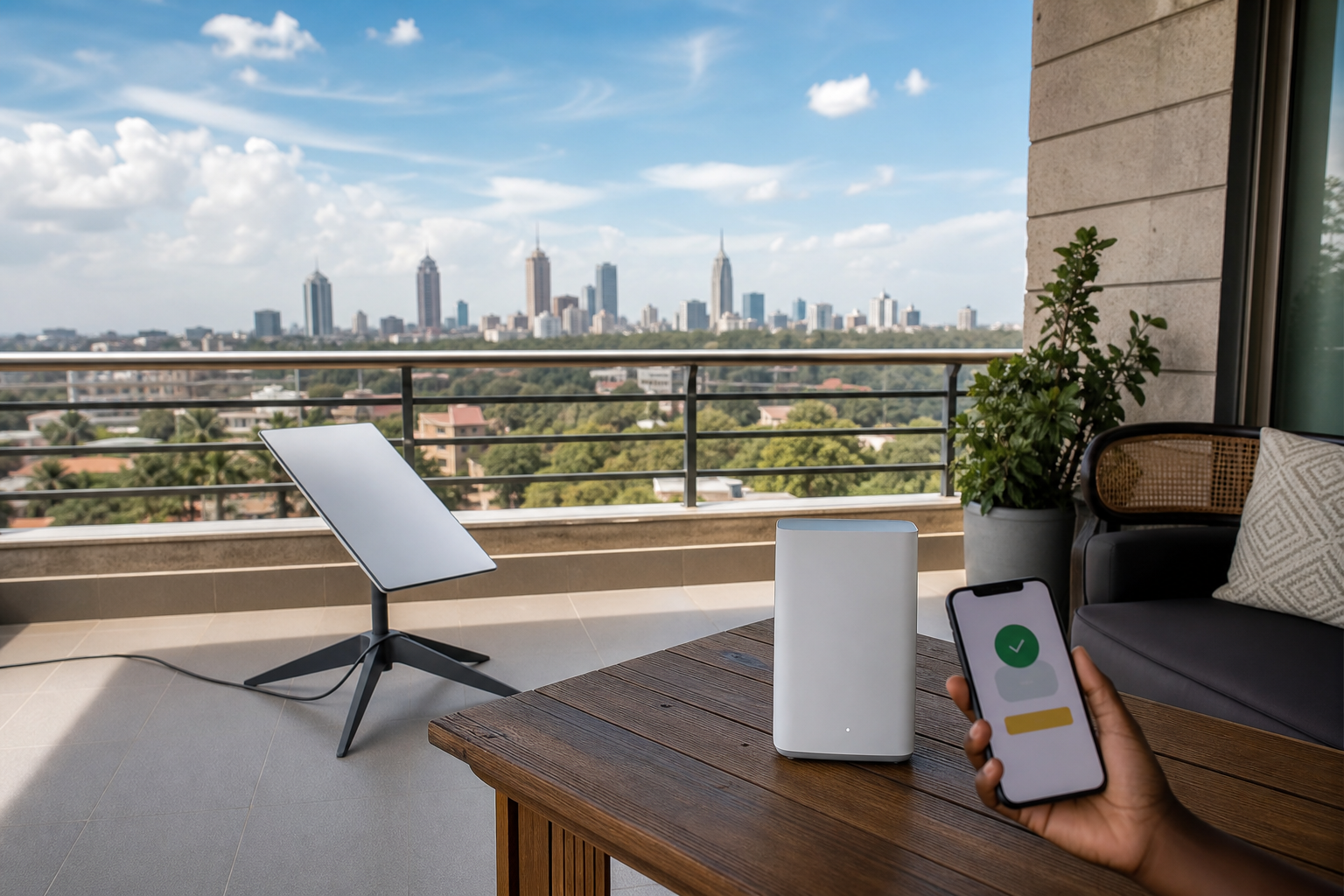
How to pay Starlink Kenya using M-Pesa
- Log in to your Starlink account or open the official Starlink app.
- Open billing, subscription, or the outstanding invoice.
- Select the M-Pesa or local payment option if it is available for your account.
- Copy the PayBill number and account/reference exactly as shown.
- Pay from M-Pesa and keep the confirmation message until the invoice updates.
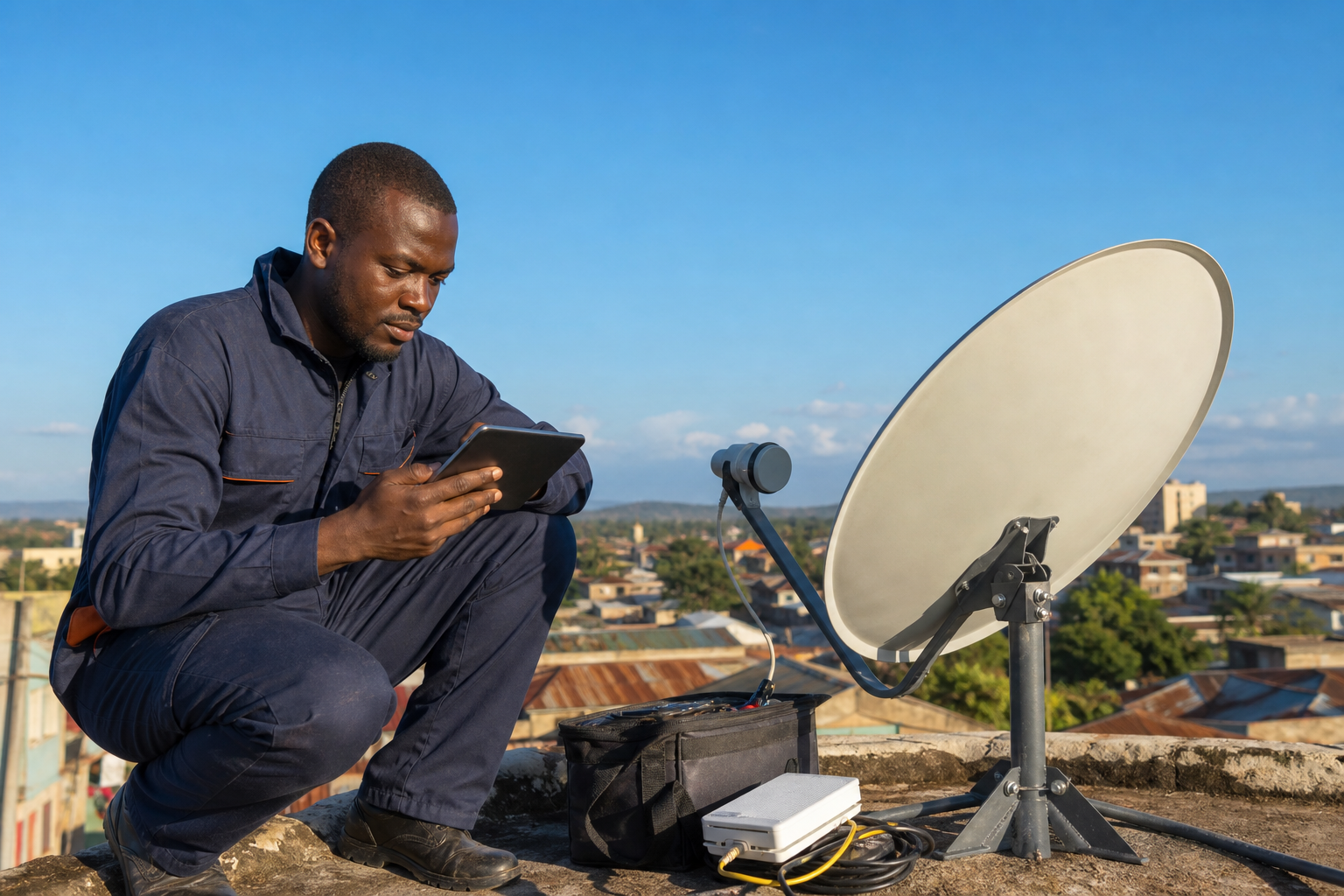
For a local walkthrough, see this guide on how to pay for Starlink using M-Pesa. If you need installation help after payment, you can also contact Starlink Kenya installers.
What to enter as the account number
Use the account number, customer reference, order number, or invoice reference displayed by Starlink. Do not guess this field. A wrong account reference can delay allocation even if the payment leaves your M-Pesa wallet.
Quick safety checks
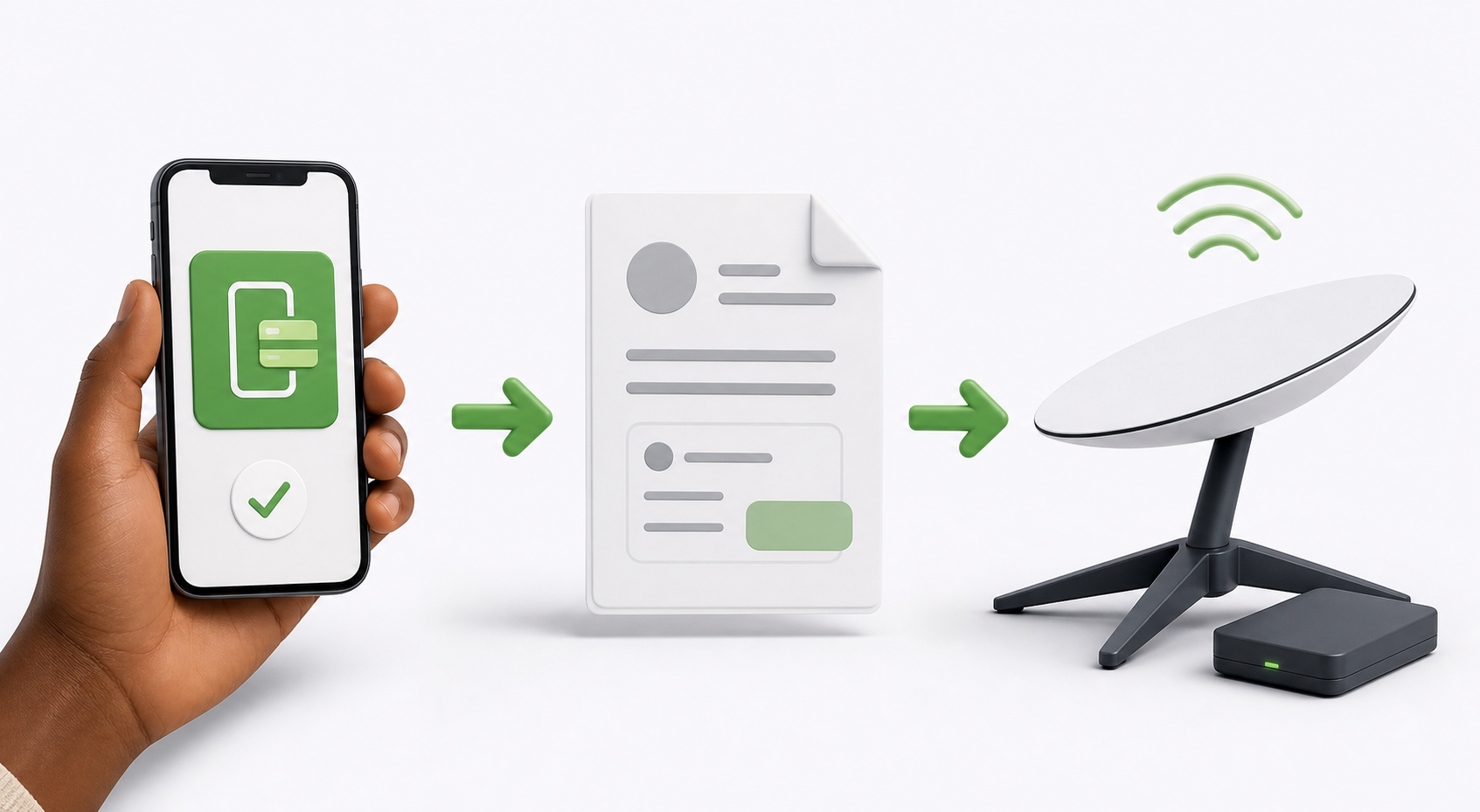
- Confirm the PayBill inside the official Starlink account before paying.
- Check that the amount matches your current invoice or plan renewal.
- Save the M-Pesa confirmation message and transaction code.
- If payment does not reflect, contact Starlink support with the transaction details.
Related guides: Starlink PayBill number and Starlink Kenya PayBill number charges.