Starlink Kenya Blog
Starlink Kenya for Businesses, Shops and Offices
A detailed guide for business owners and operations teams researching Starlink Kenya, with internal links to packages, prices, buying advice, installation support, and latency improvement resources.
- Why Starlink Kenya for Businesses, Shops and Offices matters
- How Starlink Kenya solves this specific problem
- What to check before you buy
- Installation planning for business internet, backup links, tills, cloud tools, and staff Wi-Fi
- Performance, speed, and latency expectations
- Costs, packages, and buying decisions
- Common mistakes and how to avoid them
- When to ask installers for help
- Practical checklist for Kenyan customers
- Final advice about Starlink Kenya for Businesses, Shops and Offices
- Helpful internal links
Why Starlink Kenya for Businesses, Shops and Offices matters
Starlink Kenya has become one of the most searched internet topics in Kenya because many homes and businesses still struggle with slow, unstable, or unavailable broadband. Starlink Kenya for Businesses, Shops and Offices is important because it moves the conversation from general excitement to practical decisions. A buyer needs to know whether Starlink Kenya is suitable for the property, which plan makes sense, what the installation requires, and how to avoid spending money on the wrong setup.
This guide is written for business owners and operations teams. It explains business internet, backup links, tills, cloud tools, and staff Wi-Fi in a way that connects the subscription, equipment, roof or pole mount, cable route, router position, Wi-Fi coverage, and ongoing support. The best Starlink Kenya result is not only about buying a kit. It is about matching the kit and plan to the actual site.
For a broader overview, start with the main Starlink Kenya page. If the immediate question is monthly cost, compare the Starlink Kenya Packages and Starlink Kenya Prices pages. If the question is purchasing route, read Where to Buy Starlink in Kenya. If the site needs physical work, the Starlink Kenya Installers page explains how professional installers help.
How Starlink Kenya solves this specific problem
The strongest use case for Starlink Kenya is a location where fiber is unavailable, mobile data is unreliable, fixed wireless is congested, or the site needs a backup link independent of ordinary terrestrial providers. That can include rural homes, farms, lodges, schools, clinics, construction sites, shops, offices, and remote work locations.
For business internet, backup links, tills, cloud tools, and staff Wi-Fi, the advantage of Starlink Kenya is that the connection does not depend on a nearby fiber cabinet or mobile tower in the same way conventional internet does. The terminal needs a clear view of the sky, a stable power source, and a clean installation path. Once those conditions are met, the service can support everyday browsing, communication, cloud tools, video calls, streaming, and many business systems.
The limitation is that Starlink Kenya is still a real network with real installation requirements. Obstruction, poor mounting, damaged cable, weak router placement, or too many users on a small Wi-Fi setup can create problems. A good buyer treats Starlink Kenya as a full connectivity project rather than a box purchase.
What to check before you buy
Before buying Starlink Kenya, check the service address and live checkout. The official Kenya page currently presents Residential Lite from KES 4,000 per month and Residential from KES 6,500 per month, but checkout totals, equipment costs, shipping, taxes, and plan terms can change. Use those figures as planning references, not a final invoice.
Next, check the property. Look at the roof, wall, balcony, pole position, trees, nearby buildings, water tanks, and cable path. A clear sky view is essential. A site that looks open at ground level may still have obstruction from a roof edge, tall tree, or adjacent structure.
Finally, think about account ownership. If a third party helps with purchase or installation, confirm whose email controls the account, who pays the subscription, who receives provider notices, and who can request support. Account confusion is one of the most expensive mistakes in the Starlink Kenya buying process.
Installation planning for business internet, backup links, tills, cloud tools, and staff Wi-Fi
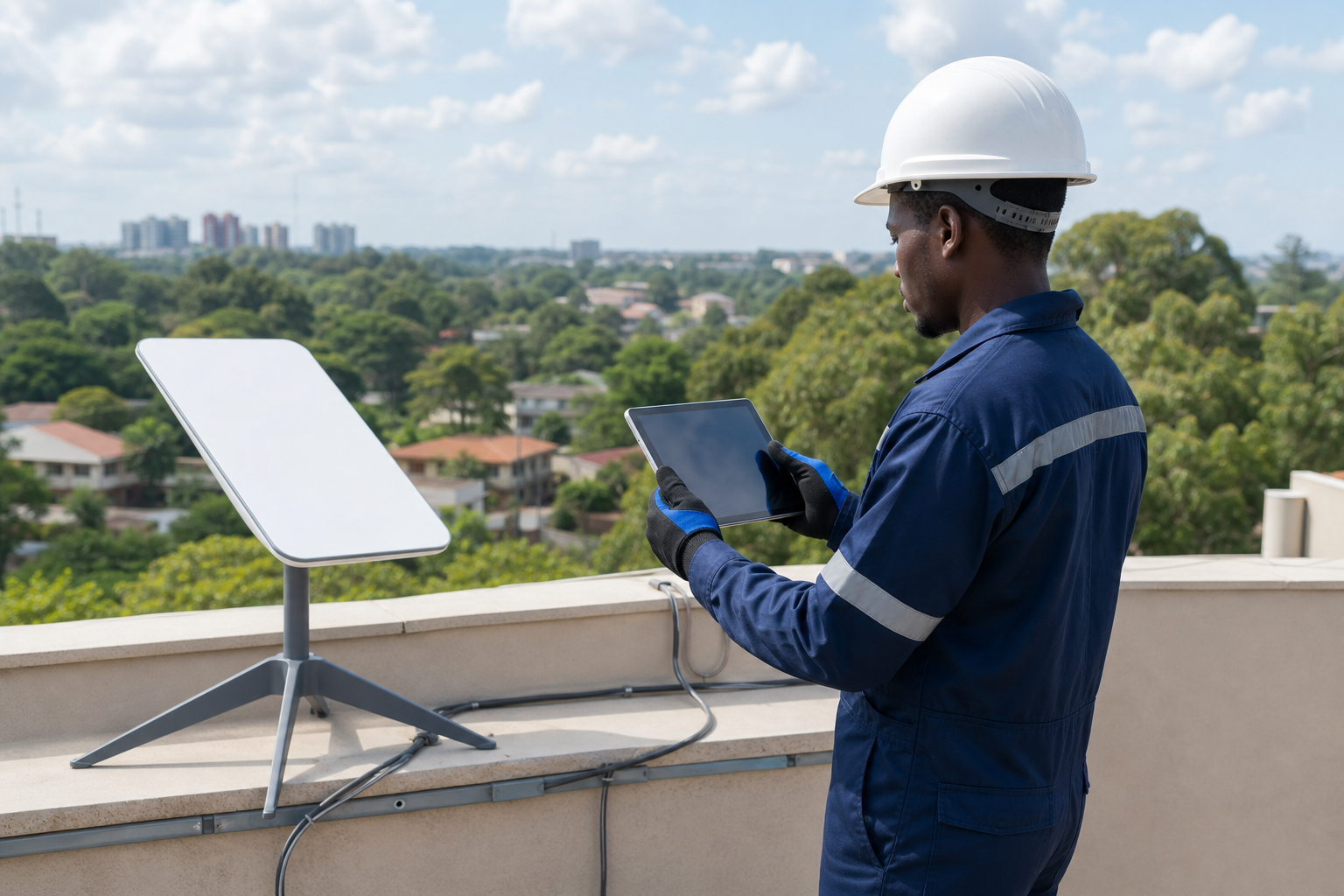
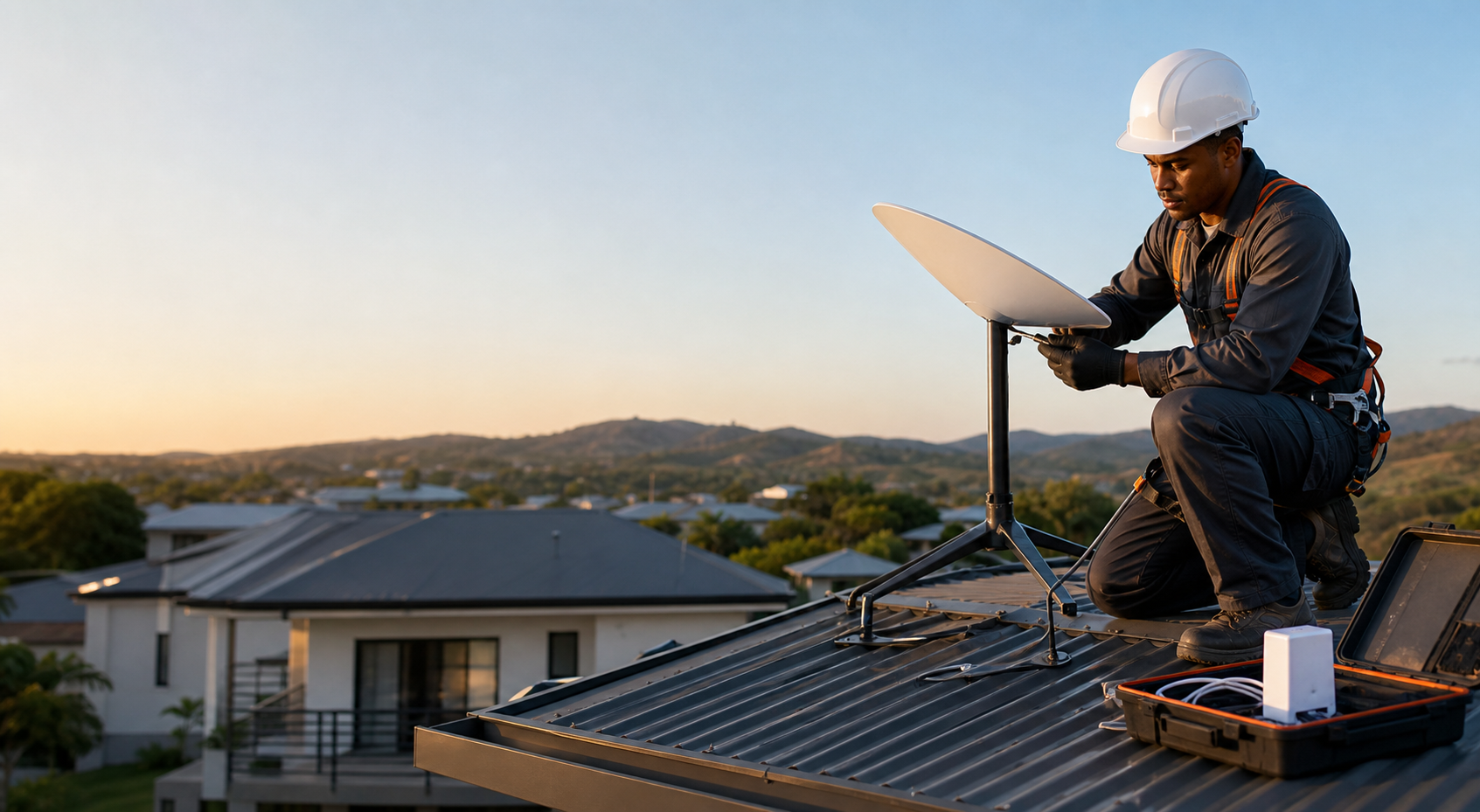
Installation planning for business internet, backup links, tills, cloud tools, and staff Wi-Fi should begin with the mount. The terminal should be placed where it has a clear sky view, safe access, and a route for cable that will not be damaged by heat, sharp edges, rainwater, pets, or people walking across the roof.
A professional Starlink Kenya installer should explain the mounting options before drilling. Roof mounts, wall mounts, pole mounts, and ground positions all have tradeoffs. The right answer depends on the site structure, obstruction risk, security, cable distance, and future maintenance needs.
Router placement is the second half of the installation plan. The outdoor terminal may receive a strong signal, but users experience the service through Wi-Fi or Ethernet indoors. Thick walls, metal doors, long corridors, multiple floors, and large compounds may need mesh Wi-Fi or Ethernet runs. This is especially important for business owners and operations teams.
Performance, speed, and latency expectations
Performance expectations for Starlink Kenya should be realistic. Starlink’s public latency guidance for land use is commonly framed around the 25-60 ms range, with actual performance depending on location, congestion, obstruction, router setup, and the destination service. This is much better than older geostationary satellite internet, but it does not remove the need for good local networking.
For business internet, backup links, tills, cloud tools, and staff Wi-Fi, test the applications that matter: video calls, streaming, file uploads, cloud systems, payment devices, CCTV remote viewing, school portals, remote desktop, or gaming. A single speed test is useful, but it does not prove that the site is ready for daily use.
If performance is weak, separate the satellite link from the local Wi-Fi. The Starlink app may show obstruction or network issues, while a separate Wi-Fi test may reveal poor indoor coverage. Many users blame Starlink Kenya when the actual problem is router placement, device congestion, or an old client device.
Costs, packages, and buying decisions
The cost of Starlink Kenya has several layers. The monthly plan is only one layer. Buyers should also budget for hardware, shipping, mounts, cable protection, trunking, pole work, mesh Wi-Fi, surge protection, power backup, travel, and installation labor where needed.
For plan research, internal pages on Starlink Kenya Packages and Starlink Kenya Prices help explain the package and pricing landscape. Residential Lite may suit lighter home use, while Residential may fit heavier fixed-site use. Roam categories can be relevant for movement or travel, but they are not the same as a standard fixed residential setup.
The cheapest option is not always the best value. If a low-cost installation leaves the cable exposed, the dish obstructed, or the router hidden in a poor location, the customer pays again through downtime, frustration, and remounting. A proper Starlink Kenya budget should include the work needed to make the connection reliable.
Common mistakes and how to avoid them
A common mistake is buying before checking the sky view. Another is assuming that any reseller automatically provides account control, warranty support, and proper installation. A third is comparing only monthly price and ignoring the total cost of a functioning network.
For business internet, backup links, tills, cloud tools, and staff Wi-Fi, a serious mistake is failing to plan growth. A home may add smart TVs, cameras, and work devices. A business may add guest Wi-Fi, tills, cloud software, and staff phones. A school may add labs and administration offices. A lodge may add rooms and outdoor areas. Starlink Kenya should be installed with future needs in mind.
The final mistake is ignoring power. If a site has blackouts, voltage drops, generator changeovers, or lightning exposure, plan backup power and surge protection. Starlink Kenya equipment cannot deliver uptime if the router and terminal lose power during the hours customers need them most.
When to ask installers for help
Professional installers are most useful when the site is complex, access is risky, cable runs are long, the connection is business critical, or Wi-Fi must cover more than one room. Self-installation can work for simple sites, but a poor installation can turn a good service into a frustrating experience.
Ask installers about survey process, mounting materials, cable protection, router placement, testing, handover, and after-sale support. A good installer should explain what is included and what costs extra. They should also be honest when a site has obstruction risk or when another internet option may be better.
Satellite Internet Installers supports Starlink Kenya planning, installation, relocation, troubleshooting, and Wi-Fi improvement. The goal is to make the service usable at the property, not merely to mount equipment and leave.
Practical checklist for Kenyan customers
Use this checklist before you commit: confirm official availability, confirm current price, check the sky view, choose a safe mount, plan the cable route, decide router location, estimate the number of users, list critical applications, plan power backup, and confirm who controls the account.
After installation, run a practical handover. Test browsing, video calls, streaming, upload, payment devices, cameras, and coverage in the exact rooms or outdoor areas that matter. Record the Wi-Fi name, password, account owner, cable route, mount position, and support contact.
For business internet, backup links, tills, cloud tools, and staff Wi-Fi, this checklist prevents the most common Starlink Kenya problems. It also helps the customer compare quotes fairly because each installer is responding to the same real requirements rather than guessing.
Final advice about Starlink Kenya for Businesses, Shops and Offices
The conclusion is simple: Starlink Kenya can be an excellent internet option in Kenya when the property, plan, and installation are suitable. It can support homes, businesses, schools, farms, lodges, and remote projects, but it should be planned carefully.
For business owners and operations teams, the next step is to read the related internal pages, check the official provider details, and request a site survey if mounting, obstruction, cabling, or Wi-Fi coverage is uncertain.
No article can guarantee a number one Google ranking or a perfect internet experience. What this article can do is help readers make a better Starlink Kenya decision by connecting package selection, pricing, installation, performance, and support in one practical guide.
Frequently asked questions about Starlink Kenya
Is Starlink Kenya good for business internet, backup links, tills, cloud tools, and staff Wi-Fi?
Starlink Kenya can be a strong option for business internet, backup links, tills, cloud tools, and staff Wi-Fi when the site has a clear sky view, reliable power, and a network design that matches the number of users. The best way to confirm suitability is to check official availability and request a site survey.
What should I check before paying for Starlink Kenya?
Check live pricing, hardware cost, account ownership, service address, mounting location, cable route, router placement, power backup, and support. Buyers should also compare the Starlink Kenya Prices page before deciding.
Do I need professional installation?
Professional installation is recommended when the roof is difficult, the site has trees or tall buildings, the cable route is long, the connection is for business, or Wi-Fi coverage must reach multiple rooms or buildings.
Need help with Starlink Kenya installation?
Satellite Internet Installers can help you choose the right setup, check the site, install the equipment, improve Wi-Fi coverage, and troubleshoot performance issues.
